
Appearance
Workspaces
Workspaces are the collaboration and access layer of SaasForgeKit.
Each account has a personal workspace by default, and can create additional team workspaces when workspace access is enabled.
What workspaces provide
- Group users under a shared workspace context
- Role-based membership (
owner,admin,member) - Invitation flow with email-based acceptance
- Workspace-specific dashboards and task data context
Workspace types
Personal workspace
- Created automatically during signup
- Represents the user’s personal space
- Cannot be deleted
- Member/invitation management is not available on personal workspace
Team workspaces
- Created by users who have workspace creation access
- Support invitations and role management
- Can be renamed and deleted by owner
Roles and permissions
- Owner
- Full control of workspace
- Can update workspace settings
- Can invite members
- Can change member roles
- Can remove members
- Admin
- Can invite members
- Can change member roles (
memberonly) - Can remove members (
memberonly)
- Member
- Standard workspace access
- No membership-management permissions
Invitations
Workspace invitations are email-based and include:
- Unique secure token
- Default expiration window
- Role assignment at invite time (
adminormember)
Invitations can be revoked before acceptance.
Workspace limits and billing interaction
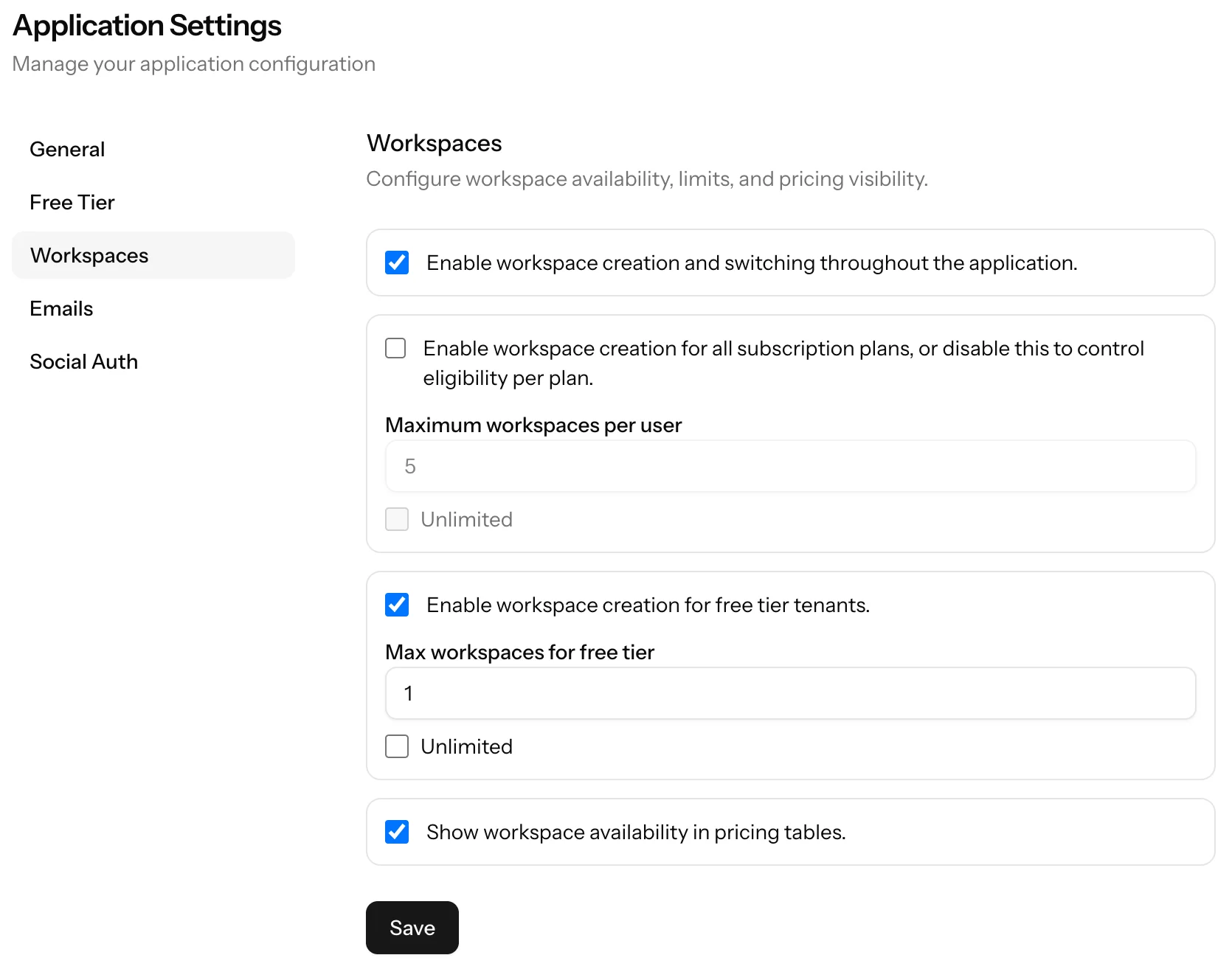
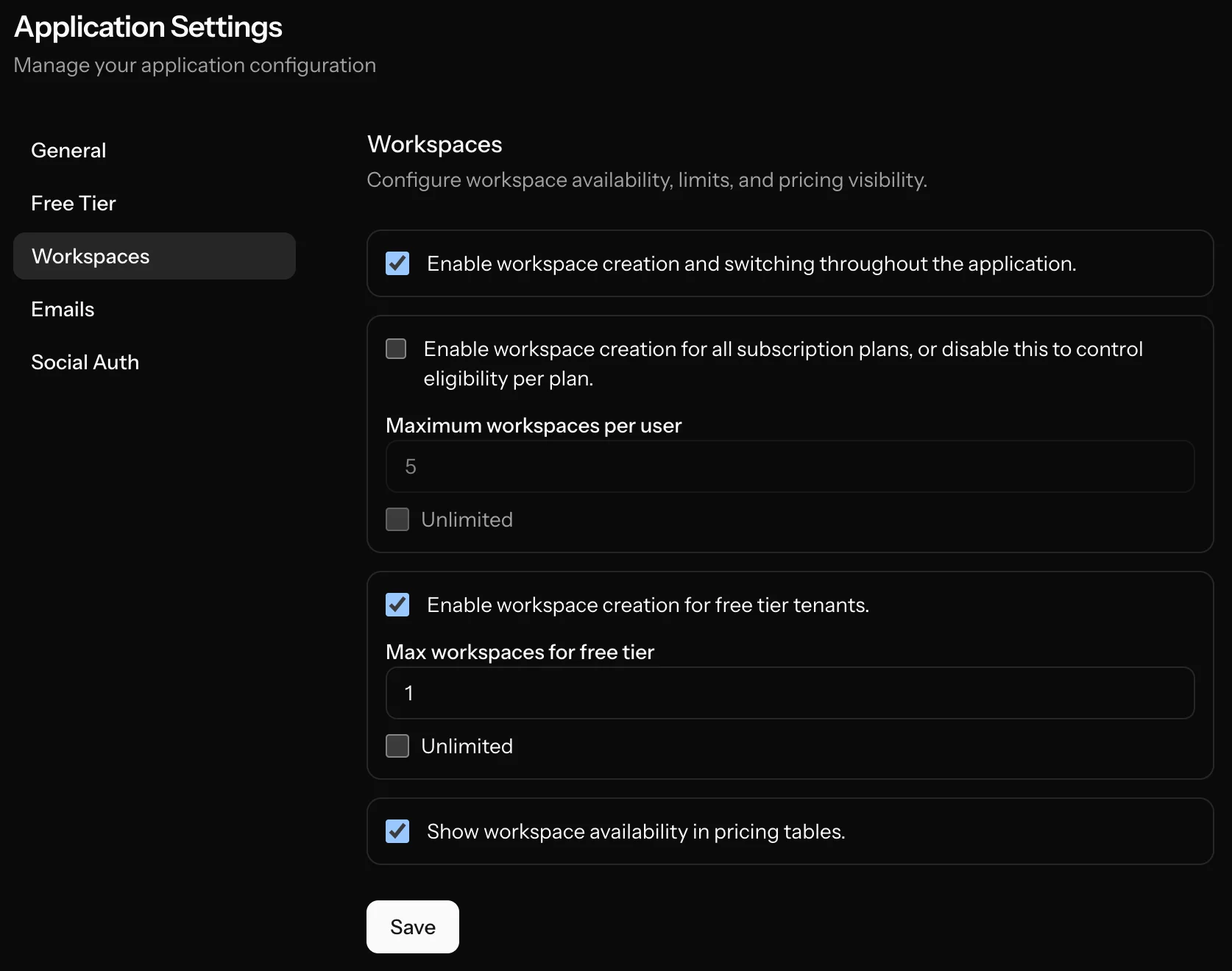
Workspace availability and limits are controlled from admin workspace settings.
When seat-based pricing is enabled for billing products, active workspace memberships affect subscription seat quantities.
See:
Recommended setup
- Configure workspace access and limits in admin settings.
- Create a team workspace.
- Invite users and assign roles.
- Validate member lifecycle (invite, accept, role change, removal).
- If seat pricing is used, verify billing quantity updates when membership changes.