
Appearance
Free Tier
This page explains how Free Tier works in SaasForgeKit, how to configure it, and how it behaves with paid subscriptions.
Admin location
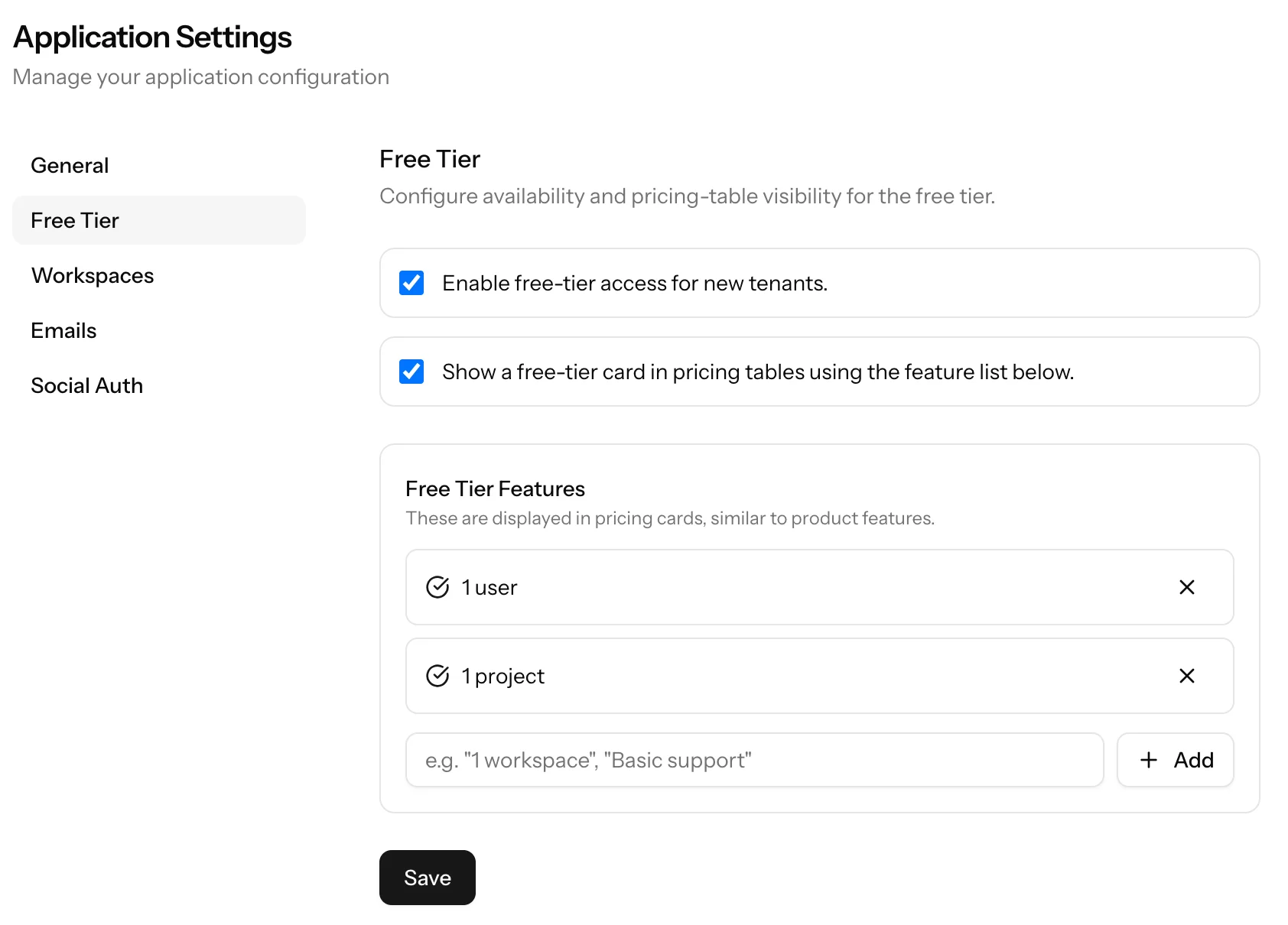
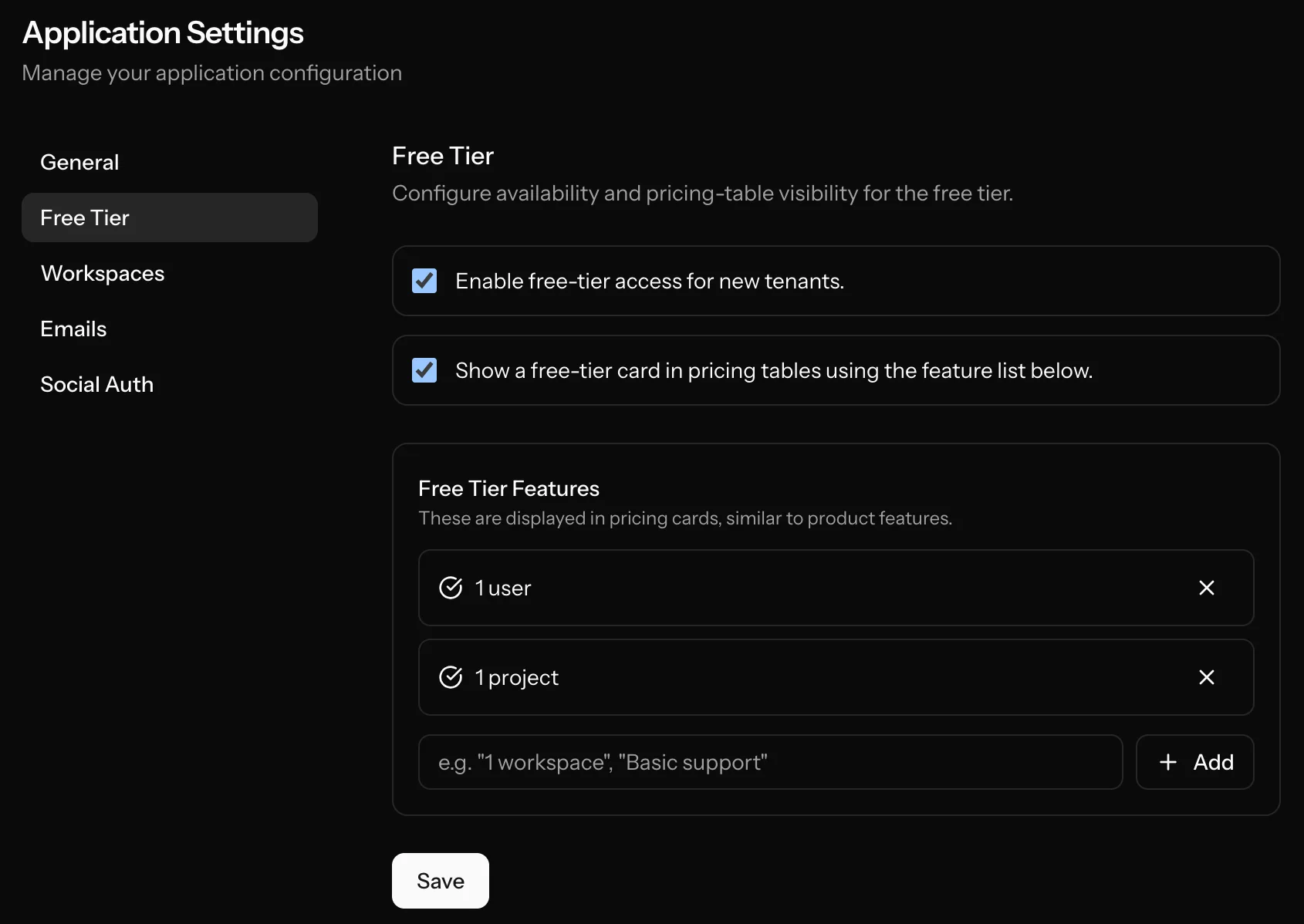
Click on "Settings" in left sidebar menu and then "Free Tier" to open the free tier page.
What you can configure
1) Enable Free Tier
free_tier_enabled controls whether users can access Free Tier.
If disabled:
- Users cannot join Free Tier from billing page.
show_free_tier_in_pricingis forced off in settings.
2) Show Free Tier in pricing table
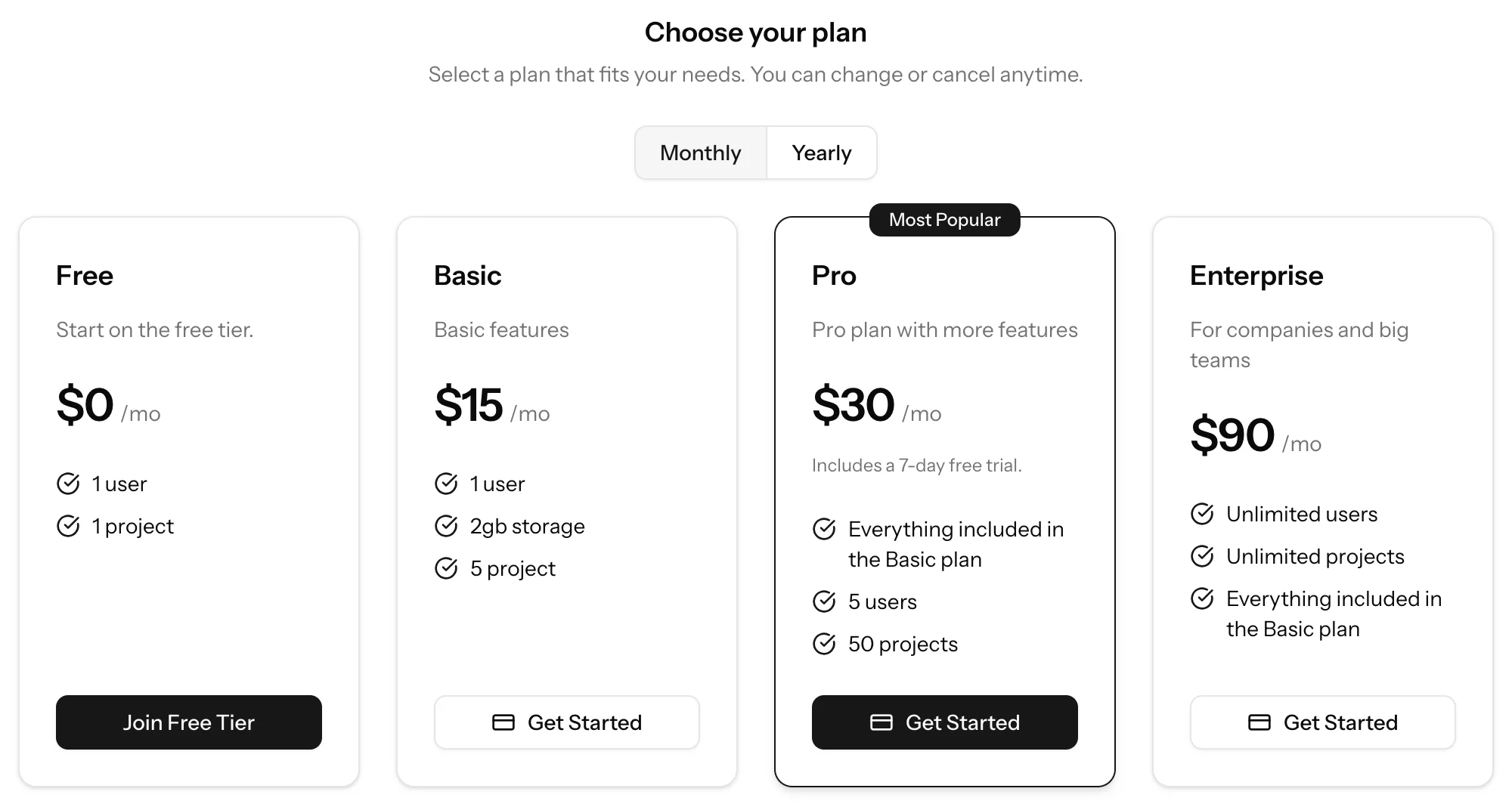
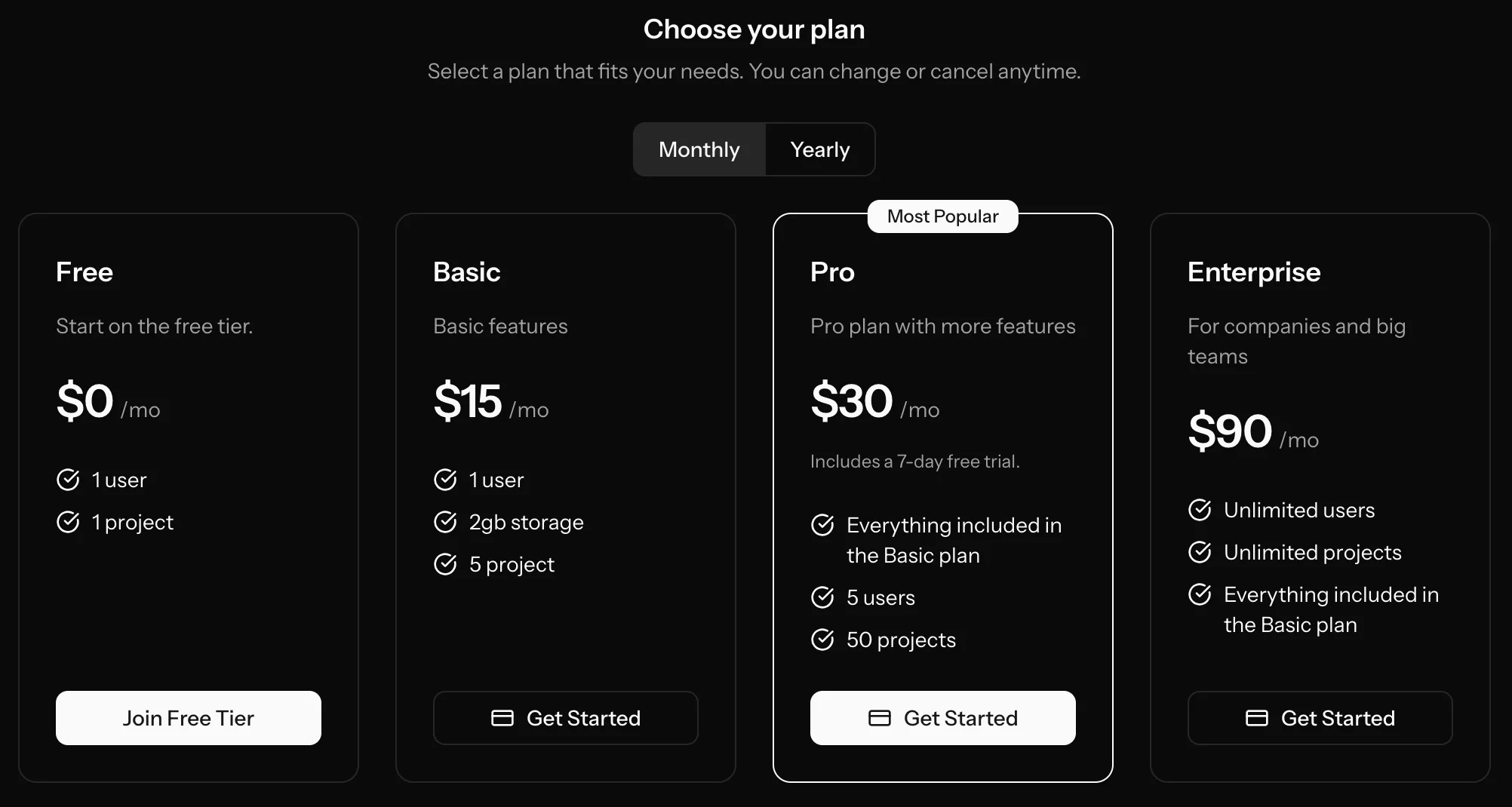
show_free_tier_in_pricing controls whether a Free card is shown on pricing tables.
Important behavior:
- This setting only affects display.
- Free Tier access can still exist even if the card is hidden.
3) Free Tier feature list
free_tier_features defines bullet points shown on the Free card in pricing UI.
- Up to 20 features
- Empty values are filtered out
Runtime behavior
Eligibility to join Free Tier
A tenant can join Free Tier only when all conditions are true:
- Free Tier is enabled globally
- Tenant is not already on Free Tier
- Tenant is not on generic trial
- Tenant does not have an active subscription
If eligible, tenant fields are updated:
is_free_tier = truefree_tier_started_at = now()
Auto-switch behavior with paid subscriptions
- When a paid subscription becomes active, Free Tier is cleared:
is_free_tier = falsefree_tier_started_at = null
- When a subscription is canceled and Free Tier is enabled, the tenant is moved to Free Tier.
Workspaces interaction
Workspace limits for Free Tier are configured in workspace settings.
Relevant settings:
workspaces_enable_for_free_tierworkspaces_max_per_user_free_tiershow_workspaces_in_pricing
When enabled, workspace allowance is shown as a feature on the Free pricing card.
Recommended setup checklist
- Enable Free Tier in admin settings.
- Add clear Free Tier feature bullets.
- Decide whether to show Free Tier in pricing table.
- Configure workspace limits for Free Tier.