
Appearance
Pricing settings (Products & Prices)
This page covers how to manage products and prices from the admin panel.
Terminology note
In SaasForgeKit UI and Stripe, you manage products.
Conceptually, each product represents a plan in your pricing model (for example Starter, Pro, Enterprise).
Admin location
Manage pricing from left sidebar menu. Click on "Pricing" to open the pricing page.
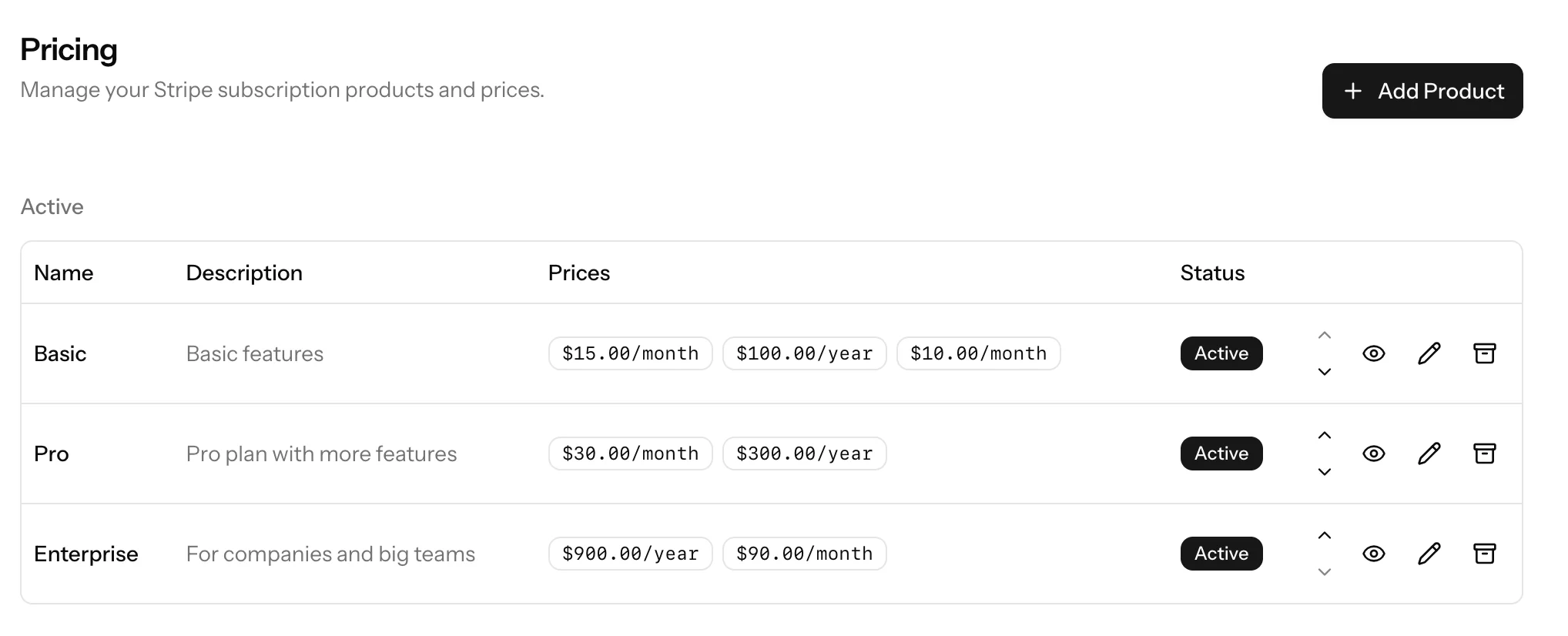
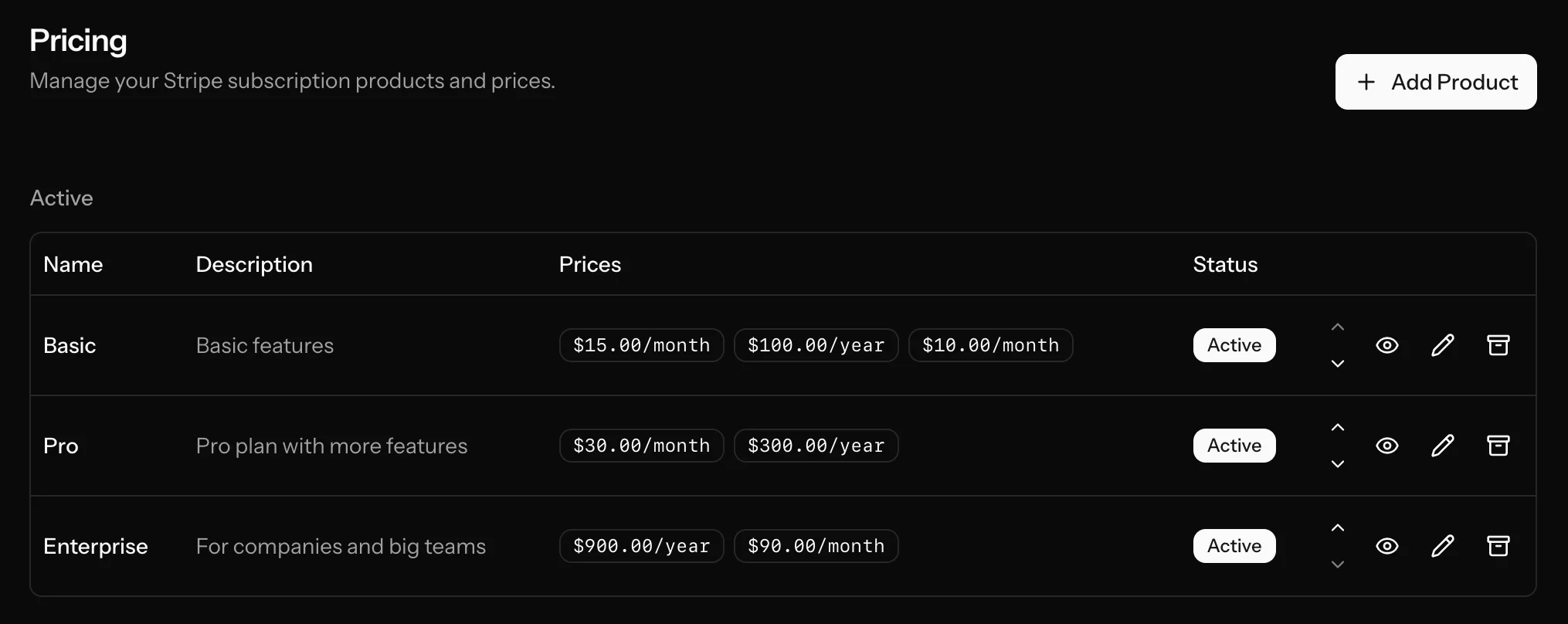
Recommended workflow
- Create products in admin pricing UI.
- Add recurring prices (monthly/yearly).
- Configure product metadata (features, CTA, trial flags, seat pricing type, workspace limits).
- Test checkout from the billing page.
SaasForgeKit stores product and price data locally (plans, plan_prices) and keeps them synced from Stripe webhook events.
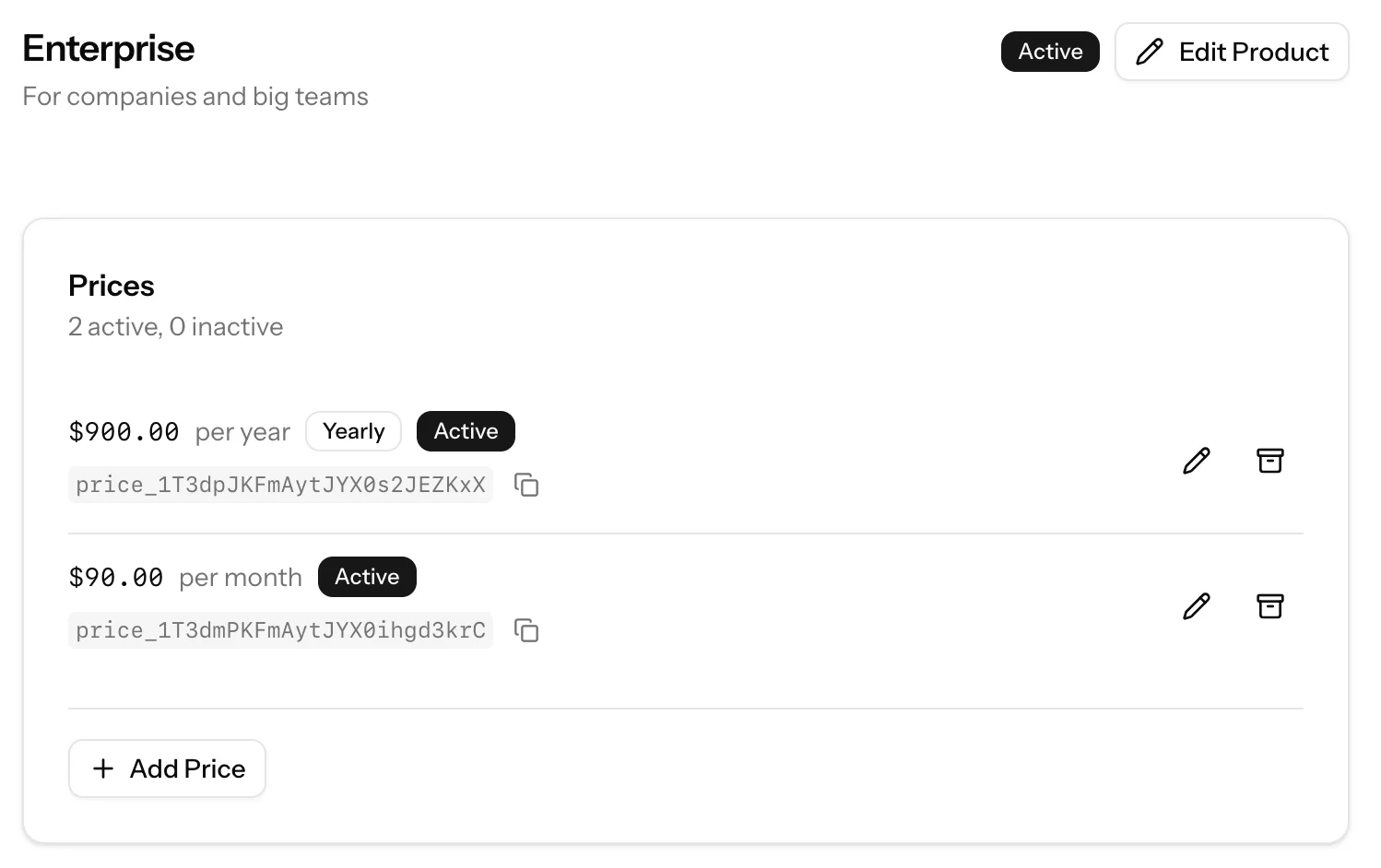
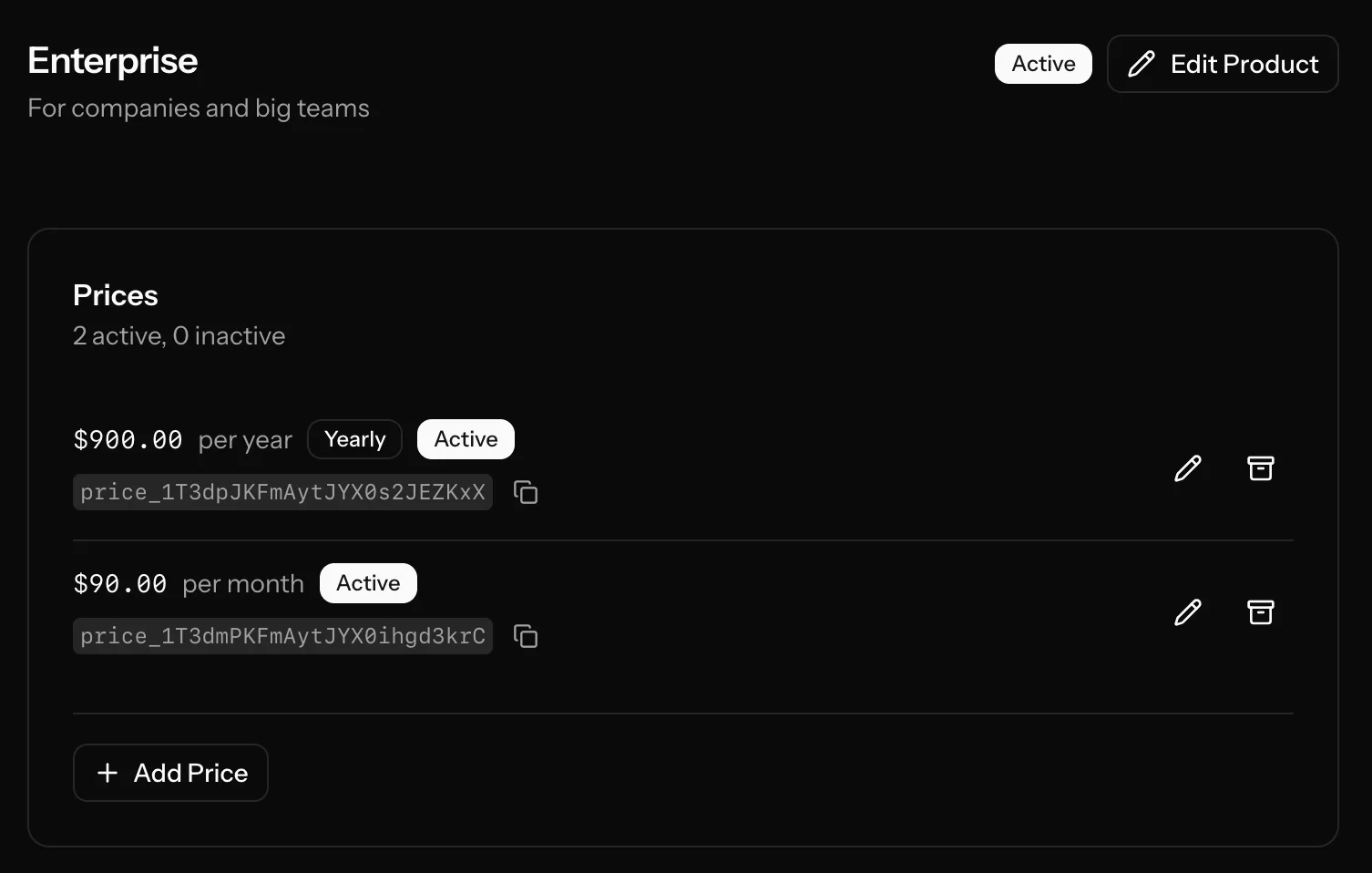
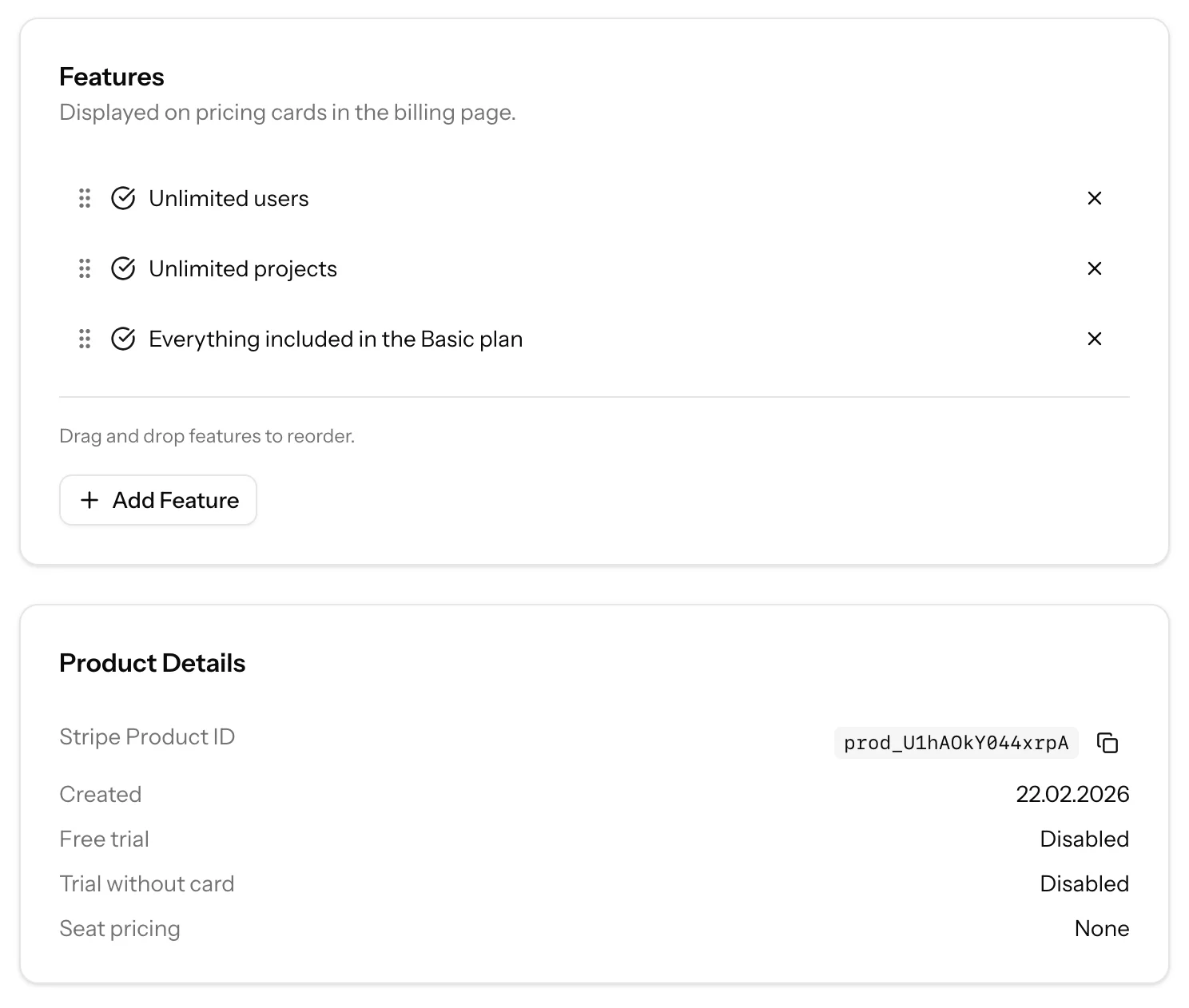
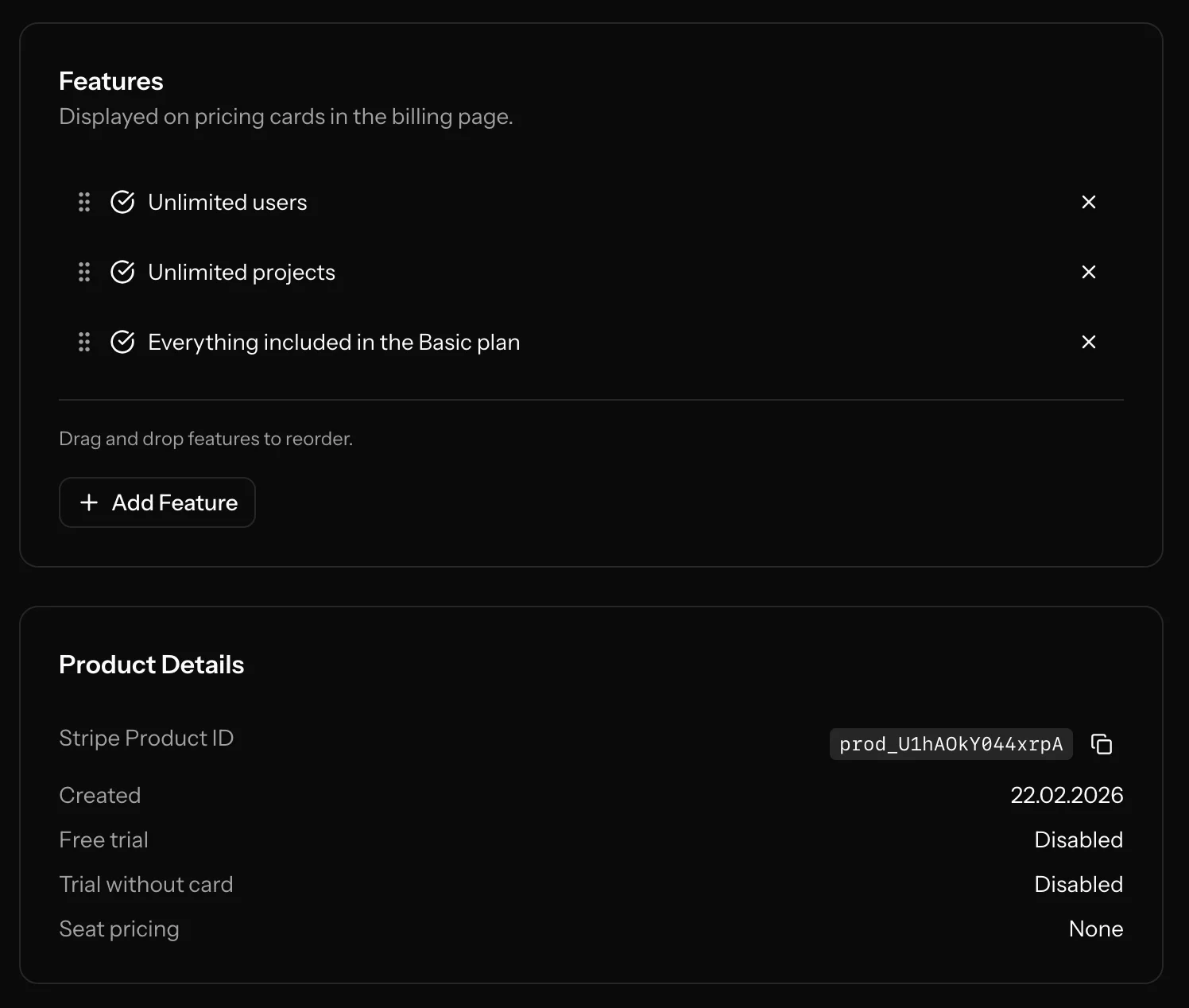
What you can do in Pricing Settings
Manage products
From admin pricing, you can:
- Create a new product (Stripe product + local
plansrecord). - Edit product name and description.
- Reorder products (controls display order in pricing UI).
- Archive a product (sets product inactive).
- Reactivate an archived product.
Configure product metadata
Per product, you can configure:
popularbadge flag- Custom CTA text
- Trial settings (
trial_enabled,trial_days,trial_without_card) - Workspace flags/limits (
workspaces_enabled,workspaces_max_per_user) - Seat pricing mode (
none,per_seat,base_plus_seat) - Feature list (
feature_0,feature_1, ...)
These values are pushed to Stripe product metadata and synced back locally.
Manage prices
For each product, you can add and manage recurring prices:
- Billing interval:
day,week,month,year - Interval count (for example every 1 month, every 12 months)
- Currency and amount
- Optional nickname
- Price type:
baseorseat - Activate/deactivate existing prices
Important: existing Stripe prices are immutable for amount/interval in practice.
If pricing changes, create a new price and deactivate the old one.
Feature management
You can define a list of product features shown on pricing cards. Features are stored in Stripe metadata and mapped into local product data for rendering.
Operational notes
- Pricing changes in admin are reflected in Stripe and local tables.
- Webhook sync keeps local products/prices up to date when Stripe changes happen.
- Checkout only accepts active base prices.
- Test product display and checkout on
/billingafter changes.
Import existing Stripe products/prices
If you already have products/prices in Stripe before installing SaasForgeKit:
bash
php artisan stripe:import